Changelog

Follow new updates and improvements to TruMonitor - TruVent.

November 12th, 2025

This release delivers improvements across selected monitor skins - with significant skin improvements on Android for Zoll X, Lifepak 15, and Generic 2.

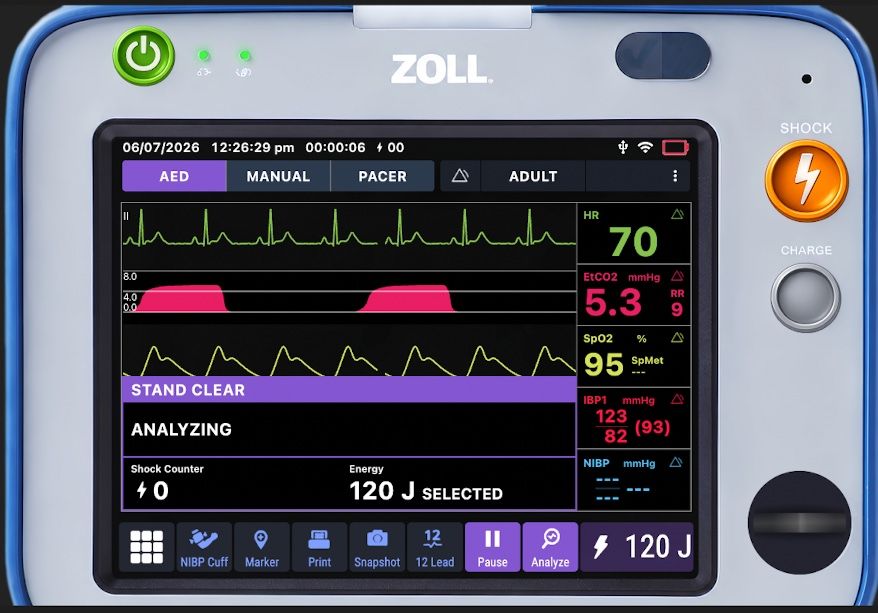
Zoll X Improvements:

  • Option to disable ‘Auto Restart AED Analysis’

  • Update battery meter

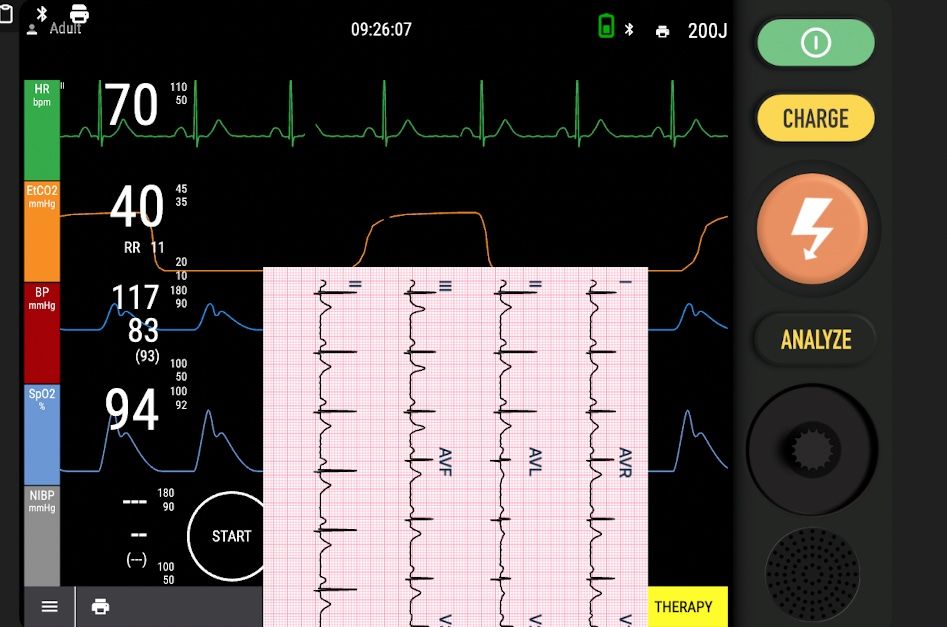
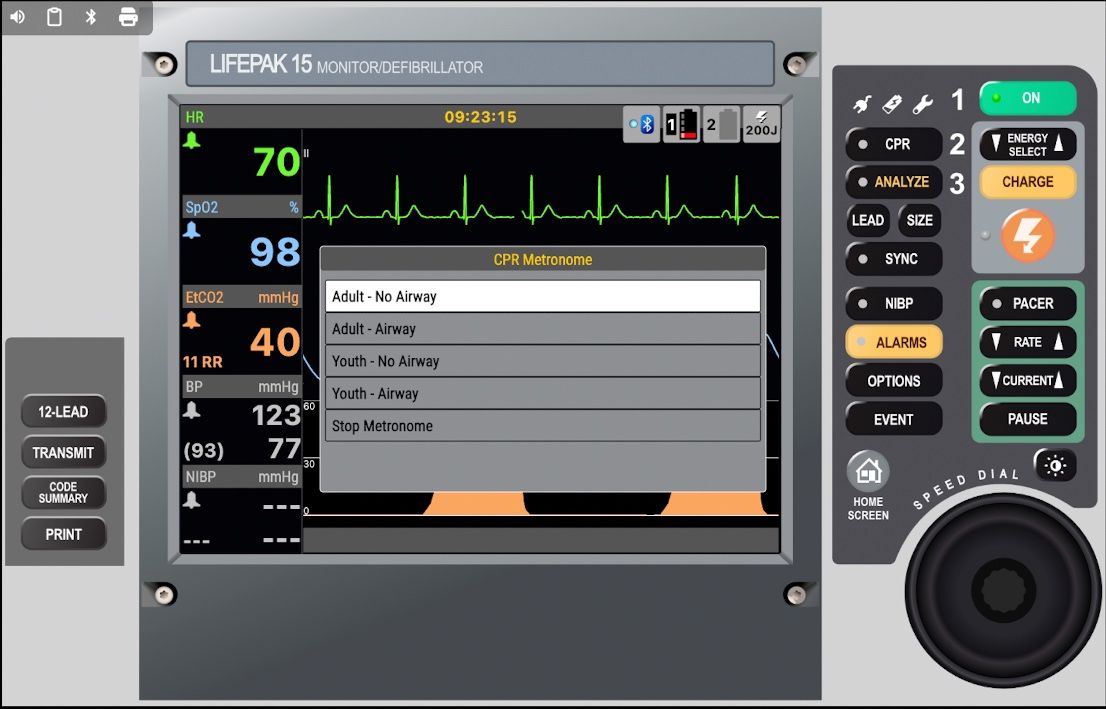
Lifepak 15 Improvements:

  • Major refresh on Android

  • Lead Selection

  • Advanced 12 Lead

  • Alarm settings, NIBP settings improved

Lifepak 20e:

  • Major refresh on Android

Generic 2 Improvements:

  • Major refresh on Android

  • Add CPR timer pie chart

General improvements

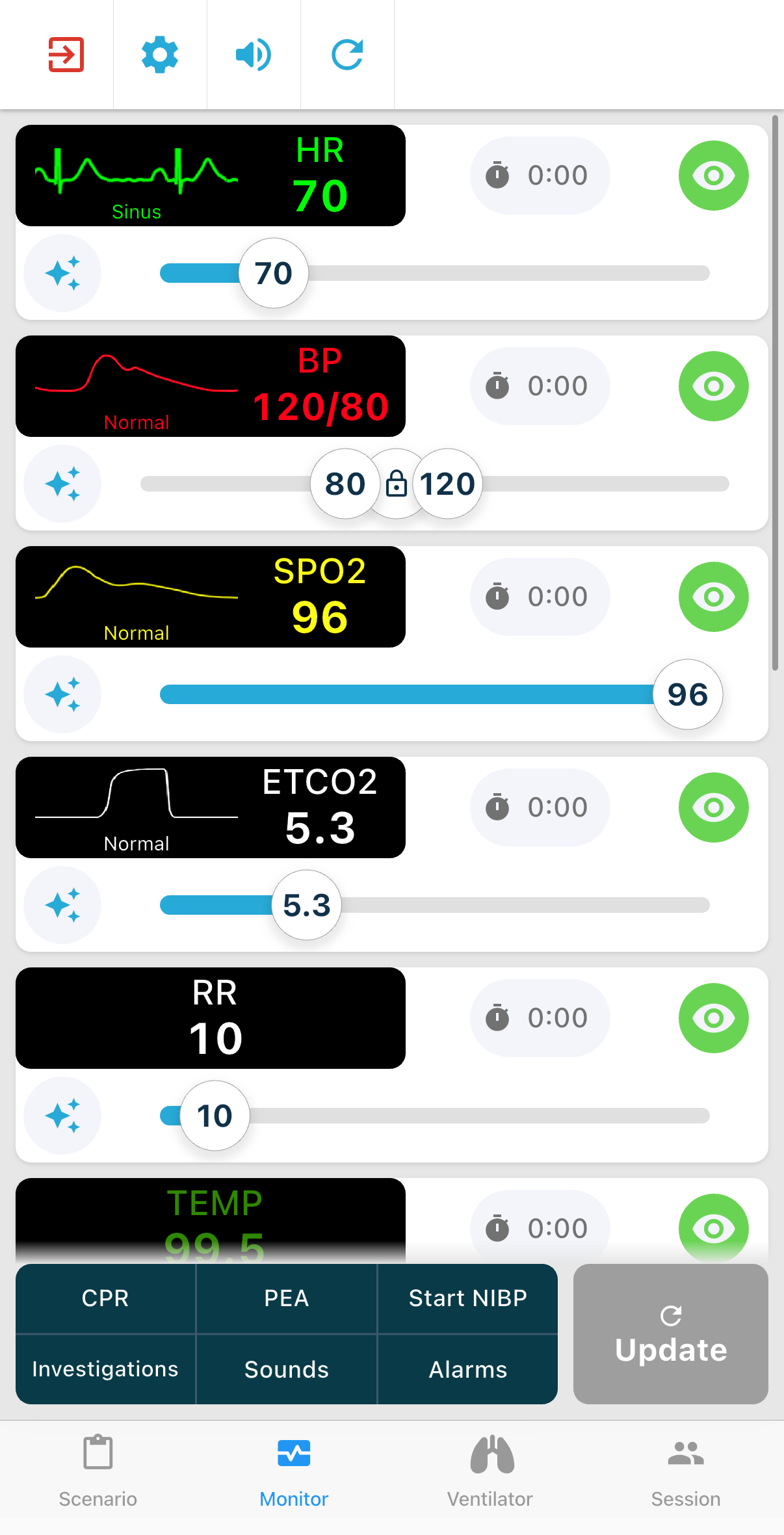
  • Instructors can now perform a few basic monitor controls from the instructor panel:

    • Select patient type (Adult/Child/Neonate)

    • Start NIBP

    • Reset monitor screen

  • Fix issue where CPR feedback remained on after a full instructor reset

September 2nd, 2025

We’ve rolled out v5.1.0 with major improvements across several devices and fixes that make training smoother than ever.

Zoll X Monitor

  • Completely refreshed skin with a new look and feel

  • Improved AED behaviour and more realistic workflow

  • Added ETCO₂ enable/disable option for students

  • Enhanced ECG 12-lead and lead selection

  • Better layout during CPR feedback for easier visibility

  • Updated alarm settings for a more authentic experience

ProCare 300

- New skin added and ready to use - we welcome your feedback.

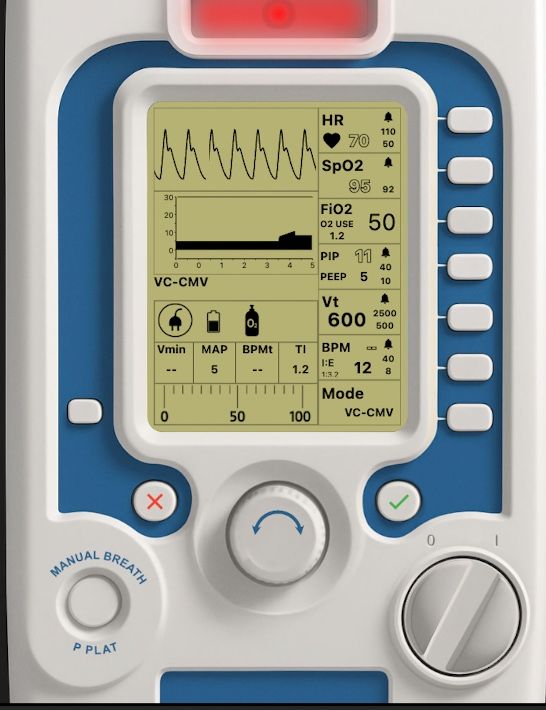
Oxylog 3000 Ventilator

  • Refreshed skin with updated visuals

  • Now available on Android 🎉

Bug Fixes & Improvements

  • Fixed audio-related issues affecting some devices

  • Resolved ischaemia pattern display problems on certain skins

  • Added Scenario builder step duration options allowed down to 5 seconds

Enjoy the new update and let us know how it improves your training experience!

May 19th, 2025

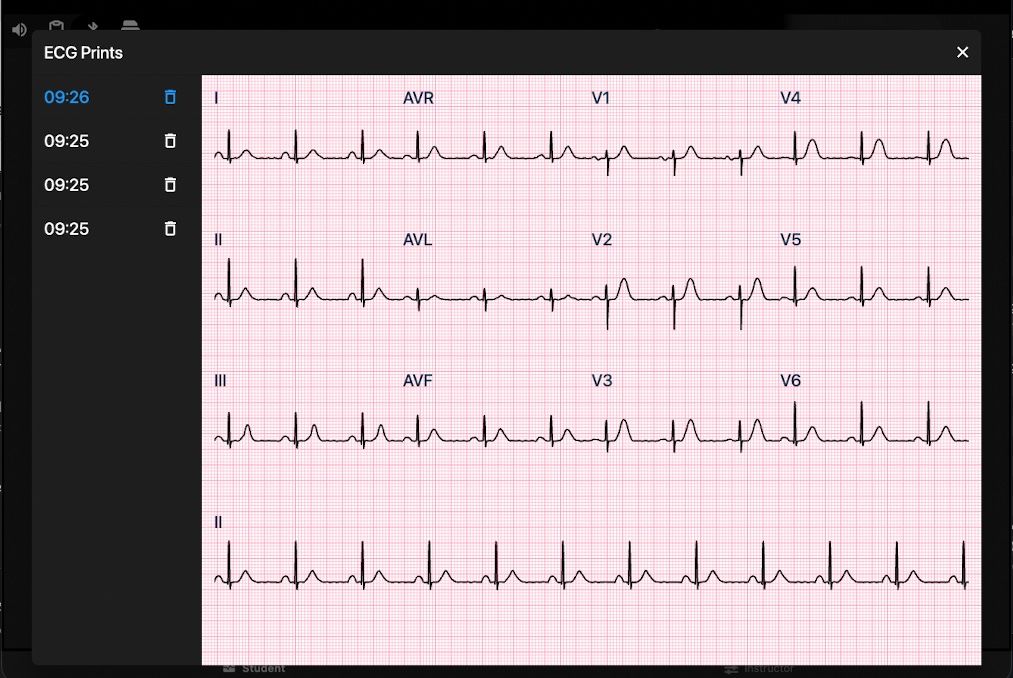
New: Advanced 12-Lead ECG Support

We’ve introduced full 12-lead ECG support on compatible TruMonitor skins — making cardiac simulation more realistic and powerful than ever.

What’s new:

  • 12-Lead Mode is now available for all ECG patterns on supported skins

  • Lead selection: View any lead on demand

  • Instructor preview: Quickly inspect 12-leads from the control panel

  • Smarter ECG picker: Search, filter by category, and find the exact rhythm you need — faster

New ECG patterns added:

  • High Grade Heart Block (4:1)

  • Moderate Hyperkalemia

  • Left/Right Bundle Branch Block

  • Bifascicular / Trifascicular Block

  • Inferior, Anterior & Lateral MI

  • Agonal Rhythm

This update unlocks a more complete training experience for anyone teaching or learning advanced ECG interpretation.

Advanced 12-Lead is available on ‘Generic 2025’ - and all skins under the ‘recently updated’ section

🎛️ New Instructor Tools for Real-Time Control

TruMonitor just got even smarter for instructors — with new features that make hands-on training more immersive, responsive, and effective.

🚨 Live Control Features:

  • Manual Ventilation Mode

    Simulate bag-mask ventilation in real time — press to ventilate, release to stop. ETCO₂ responds instantly.

  • Adenosine Simulation Mode

    Pause SVT with a tap, then resume or convert to sinus rhythm — just like pushing adenosine in a real scenario.

  • Start NIBP from Instructor Panel

    Trigger a blood pressure reading instantly if you need to assist a student.

🔗 Smarter Integrations:

  • Capnography & Respiratory Rate

    Automatically syncs with QCPR manikins when Manual Ventilation Mode is enabled — no setup required.

  • Chest Compression Fraction (CCF)

    Added to CPR feedback for a more complete performance overview.

🎚️ Customisation & Control:

  • Expanded Heart Rate Range

    Now selectable as low as 10 bpm for bradycardic or peri-arrest cases.

  • New Timer Tool

    Built-in stopwatch for scenario timing, rhythm checks, or anything else.

  • Volume Controls for CPR & AED Feedback

    Fine-tune feedback volume for clearer instruction during noisy sessions.

🩻 New Secondary Display Skins

Now you can extend your simulation setup with dedicated screens — no extra licenses needed.

  • New skins are available to display:

    • Investigations (e.g. bloods, ECGs, imaging)

    • CPR Feedback (live data during compressions)

Just connect an additional tablet to the same session — TruMonitor handles the rest.

It’s a simple way to make your scenarios more immersive, organised, and visually powerful.

🔄 Faster, Frictionless Sessions

New auto-connect logic makes multi-device setup near-instant:

  • Auto Start

    The instructor’s app automatically starts a local session on launch.

  • Auto Join

    Student devices connect automatically to the first session they discover — no need to pick from a list.

  • Auto Resume

    If the connection drops, it reconnects seamlessly when the app restarts.

🖥️ New & Updated Monitor Skins

We’ve added new skins and upgraded key favourites to enhance realism and flexibility:

  • Generic 2025 – A refreshed look with full 12-lead support, lead selection, and improved alarm settings.

  • Nihon Kohden EMS-1052 – Fully rebuilt and now available in Japanese.

  • Lifegain CU-HD1 – Includes AED, manual defib, and pacing modes.

  • Lifepak 35 – Now in early testing with core functionality live; more updates coming soon.

🐞 Bug Fixes

  • Fixed: Pacer dialog couldn’t be closed on Zoll X Series

  • Fixed: Urinalysis couldn’t be deleted from investigations

  • Fixed: Shock/Pacing now properly triggers Scenario Builder step

  • Fixed: SFX volume was not adjustable

  • Fixed: Compression depth issue for baby QCPR manikins

🔄 Update now via the app store — and let us know what you’d love to see next.

September 9th, 2024

New

Improved

Fixed

We have lots of exciting updates in this version:

  • Advanced QCPR Feedback

  • Customize Skin Colors, Monitor Layout and Settings

  • Customize automatic behaviors for advanced scenarios

  • Improvements to the ‘Generic 2’ skin

  • Bug fixes and general improvements

Advanced QCPR Feedback

Instructors can now better evaluate CPR quality – with charts and stats tracking depth, rate, and recoil.

By connecting a Laerdal QCPR manikin, this advanced analysis will automatically record CPR performance, allowing better feedback and improvement recommendations.

You can even view previous cycles to see how your performance changes over time.

Customize Skin Colors and Layout

Added ‘Skin Settings’ allowing users to customise skins to meet their requirements.

  • Change defibrillator & AED charge settings, update selectable energy levels, AED energy steps and default energies.

  • Waveforms - Change color, re-order or completely hide waveforms

  • Vitals - Change color, re-order or completely hide vital numbers.

Automated behaviors are now more flexible

We’ve added flexibility to how automatic behaviors work in TruMonitor, giving you added visibility of what’s happening, and allow you to customize how the system works.

Disable or Quick Override Automation Settings

You can use the ‘quick override’ buttons to temporarily turn off automations if you want to select another value, for example, increasing ETCO2 during manual ventilation.

You can also completely disable any of our built in automations if you wish to be in full control of your settings.

General Improvements

  • Added specific QRS Beep volume slider

  • Ability to customise defibrillator/AED energy steps

  • Fix issue with QCPR Junior/Baby not showing correct depth on instructor side

  • Auto cancel defibrillator charge if not delivered within 45 seconds.

  • Reduced duration of defib charge time at high energies

  • Fixed issue with scenario playback where leads would enable even if the ‘automation disable’ button was active

  • TruVent - allowing lower tidal volume limit for use with infants

Improvements to ‘Generic 2’ Skin

  • Added monitor style QCPR feedback bars

  • Improved alarm sound effect

  • Improved defib charge sound effect

  • Fixed issue where alarm couldn’t be silenced

  • Added German language to skin

  • Fix issues with shock count.

  • Adjusted behaviour of opening/closing defib/AED Menus

  • Many more fixes

May 8th, 2024

New

Improved

Fixed

Hamilton T1 Ventilator Skin:

  • Now available with core functions in place - additional functions will be added in subsequent updates.

Zoll X Skin:

  • Hide IBP panel when IBP not connected

  • Fix issue where siren did not sound when defib was charged

  • Remove ability for student to hide CO2 (instructor should do this)

Lifepak 15 Skin:

  • Defib - Selected energy is remembered for subsequent defibrillations

  • Fix issue where siren did not sound when defib was charged

  • Defib screen now returns automatically to home view after each shock

  • Dial can now be used to select energy

AED & Defibrillation:

  • AEDs now support pad detection and will auto-analyse after pads are applied (where applicable)

  • AEDs now detect motion during analysis and show the appropriate warning

  • 'Number of shocks' as shown on an AED/Defib will now reset between sessions

  • Add support for local audio on all AED skins - German, Spanish, French, Italian, Japanese, Polish, Portuguese

General Monitor:

  • Updated monitor behaviour to show '-?-' during VF instead of a high fluctuating heart rate.

  • (Android) Fixed an issue where using special character units on a custom parameter led to the monitor crashing

  • Removed 'motion artefact' SPO2 effect during CPR

Ventilator:

  • Fixed issue where flow trigger threshold could not be set high enough, resulting in the ventilator always triggering on any small patient effort.

Instructor:

  • Fix issue where SFX loop enabled did not loop correctly

  • Units for glucose fixed to respond correctly to unit preference


Scenario Builder:

  • 'Wait for shocks' trigger now functions correctly

  • Add indicator to show current value when drawing parameter changes

  • Add time scrubbing bar to move the current playback time

  • Fix issue where pressing pause and play again reset the time to the start of the step

  • Fix issue where 'manual trigger' did not activate the next pattern correctly

These fixes are available in:

  • iOS v4.1.0

  • Android v4.0.5 (Hamilton T1 available in next update)